Email us at sales@ocgl.net
Email us at sales@ocgl.net
Blog
Moving from Cisco IOS to RUCKUS is easier than you think—the FastIron CLI mirrors Cisco, so your team's skills transfer almost immediately.
17Jun 2026
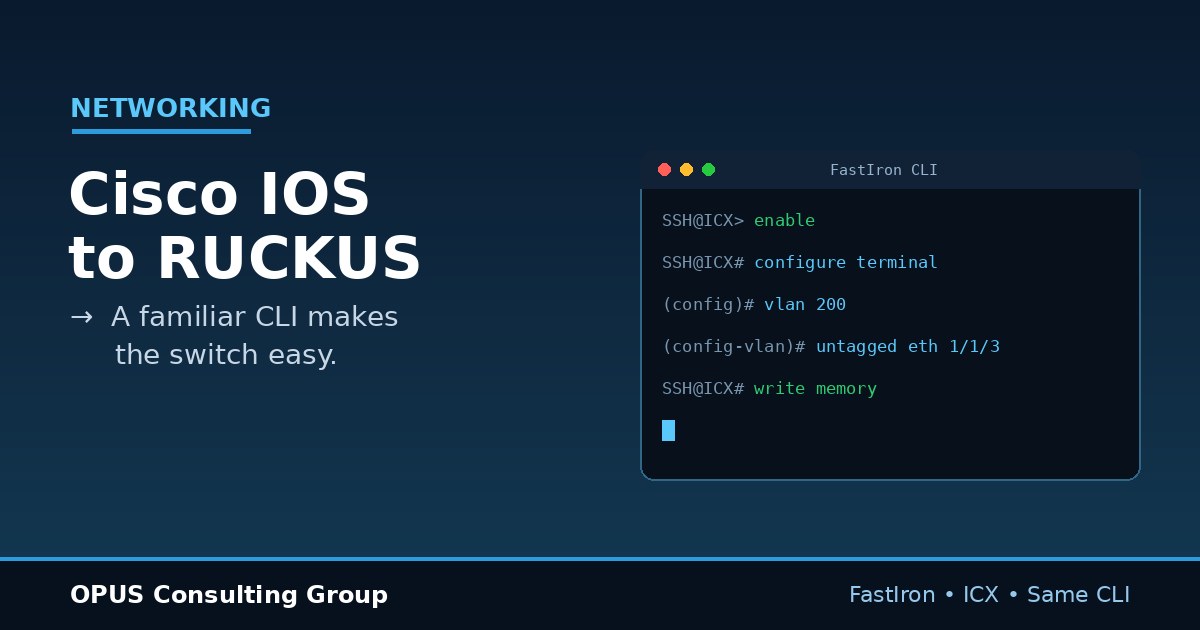
Many network teams hesitate before moving away from Cisco. The command line feels like muscle memory, and change feels risky. However, the move from Cisco IOS to RUCKUS is far smoother than most engineers expect. RUCKUS ICX switches run the FastIron operating system, and its CLI deliberately mirrors Cisco IOS. As a result, your existing skills transfer almost immediately. In this post, we compare the two systems, highlight the similarities, and show why the transition from Cisco IOS to RUCKUS is genuinely easy.
Cisco IOS is the operating system that powers most Cisco switches and routers. Engineers around the world know its command line by heart. RUCKUS ICX switches, from RUCKUS Networks, run a different operating system called FastIron. Although the brand and the internals differ, the experience at the keyboard is strikingly similar. That similarity is the whole point.
RUCKUS is best known for wireless, yet its ICX switch line is a serious enterprise platform. Newer models, such as the ICX 8200, run FastIron 10. Throughout this post, the RUCKUS OS refers to FastIron on those ICX switches.
The first thing a Cisco engineer notices is comfort. The RUCKUS CLI uses the same structure you already know. You move through familiar modes, and you type familiar commands. In fact, RUCKUS documentation openly advises that, when in doubt, you should try the Cisco-style command, because most are equivalent.
Both systems use the same layered modes. First, you land in a user view. Next, you type enable to reach privileged mode. Then, you enter configure terminal to make changes. Finally, you drop into interface or VLAN contexts. If that sequence feels natural, you already know how to drive a RUCKUS switch.
Day-to-day commands map almost one to one. Here are common examples that behave the same way on both platforms:
As you can see, the muscle memory carries straight over. A Cisco engineer can read a RUCKUS configuration on day one.
Of course, no two systems are identical. A few differences matter, and knowing them up front makes the switch painless. Happily, these differences are small and quick to learn.
This is the biggest conceptual change. In Cisco IOS, you assign VLANs from the interface. You set switchport mode access or switchport mode trunk on each port. In the RUCKUS OS, you start from the VLAN instead. First, you create the VLAN with vlan 200. Then, you add ports as untagged for access or tagged for trunking. The logic is reversed, yet it is simple once you see one example.
Other differences are minor vocabulary changes. For instance, RUCKUS uses write memory to save the configuration, while Cisco often uses copy running-config startup-config. Interface names also follow a stack, slot, and port format, such as 1/1/1. After a day or two, these swaps feel automatic.
Concrete examples make the similarity obvious. Suppose you want to create VLAN 200 and assign two ports. On Cisco IOS, you configure it from the interfaces. On the RUCKUS OS, you configure it from the VLAN. Here is the same goal on each platform.
Notice how few lines RUCKUS needs. The concept is the same, and only the entry point changes.
Put simply, the learning curve is short. Because the CLI mirrors Cisco IOS, your team keeps most of its existing knowledge. In addition, RUCKUS Networks publishes a detailed Cisco-to-RUCKUS deployment guide that maps commands side by side. Therefore, even unfamiliar tasks have a clear reference. Most engineers feel productive within a single afternoon.
The payoff goes beyond a familiar CLI. RUCKUS ICX switches offer simple stacking, strong warranties, and competitive pricing. Moreover, they integrate cleanly with RUCKUS wireless for a single-vendor network. So you keep the skills you have, and you gain a platform that is easy to own and operate.
A switch refresh does not need to be dramatic. In practice, we follow four clear steps, and each one keeps risk low.
Because the steps are incremental, you avoid downtime and unwelcome surprises.
You do not have to manage the migration alone. As a RUCKUS partner, OPUS Consulting Group plans, configures, and tests every switch before it goes live. We translate your existing Cisco configurations, document the new setup, and coach your team on the small differences. To see how this fits a wider plan, read our guide to managed IT in Vancouver. We also fold networking into our managed IT services, so support never falls through the cracks.
Yes. The RUCKUS CLI mirrors Cisco IOS, so most of your commands and habits transfer directly. You will learn a few new conventions, yet the core stays the same.
For most teams, the learning curve is days, not weeks. Because the syntax is familiar, engineers usually feel comfortable after their first hands-on session.
Yes. The two platforms interoperate over standard protocols. As a result, you can migrate switch by switch, with no risky big-bang cutover.
Moving from Cisco IOS to RUCKUS does not mean starting over. The CLI is familiar, the differences are few, and the support is here. If you are weighing a network refresh, let us help you compare your options. A switch refresh rarely happens in isolation. As a result, we look at it as part of your wider IT infrastructure services rather than as a one-off swap. Contact our team, and we will map out a smooth, low-risk transition.


 1-866-800-OPUS (6787)